
Contracts, rentals and stays
Manage contracts, long-term rentals, short stays, participants, deposits and linked local records in Propivio.
In a property’s Contracts section, store name, type, number, term, notice period, automatic renewal, partner, currency, notes and linked documents. Contracts can represent rental, insurance, utility, maintenance or other property agreements; an insurance provider and policy number can be kept with the related partner.
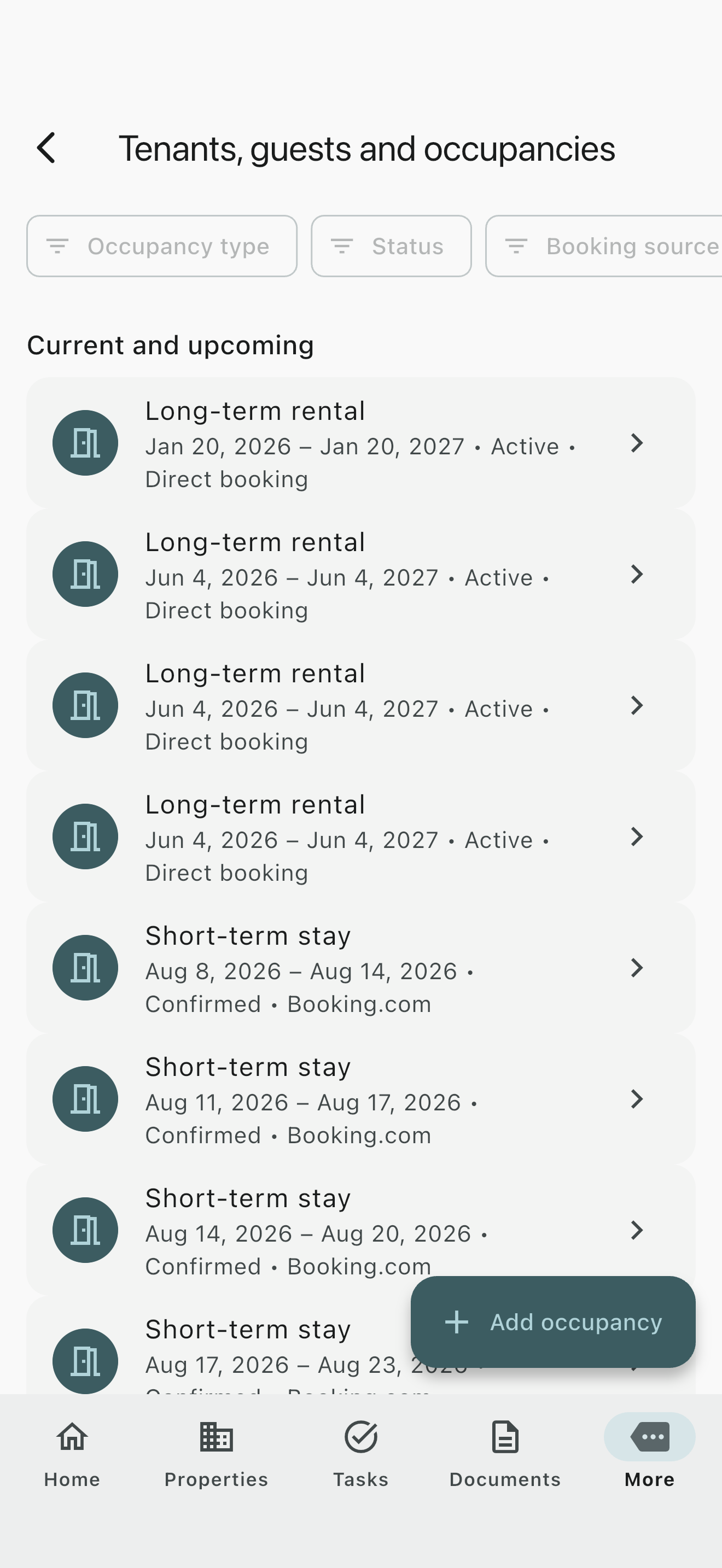
Under More > Tenants, guests and occupancies, choose Add occupancy for a long-term rental or short stay. Assign the property and optional unit, status, planned dates and person count. Long-term rentals can include monthly rent and tenants. Short stays can include stay price, source, reference, planned and actual check-in/out and guests.
Multiple existing contacts can be participants. Deposit status and payment status are separate. Inspections, meter readings, repairs, documents and expenses can be linked. Deleting the occupancy removes these links but retains the independent records.
Lists and editing remain Free. The occupancy calendar requires Plus. Propivio does not accept online bookings or payments.
Interactive search requires JavaScript. All pages remain available in the contents.
Last reviewed: App version: 1.0.1 (1515)For iOS and Android