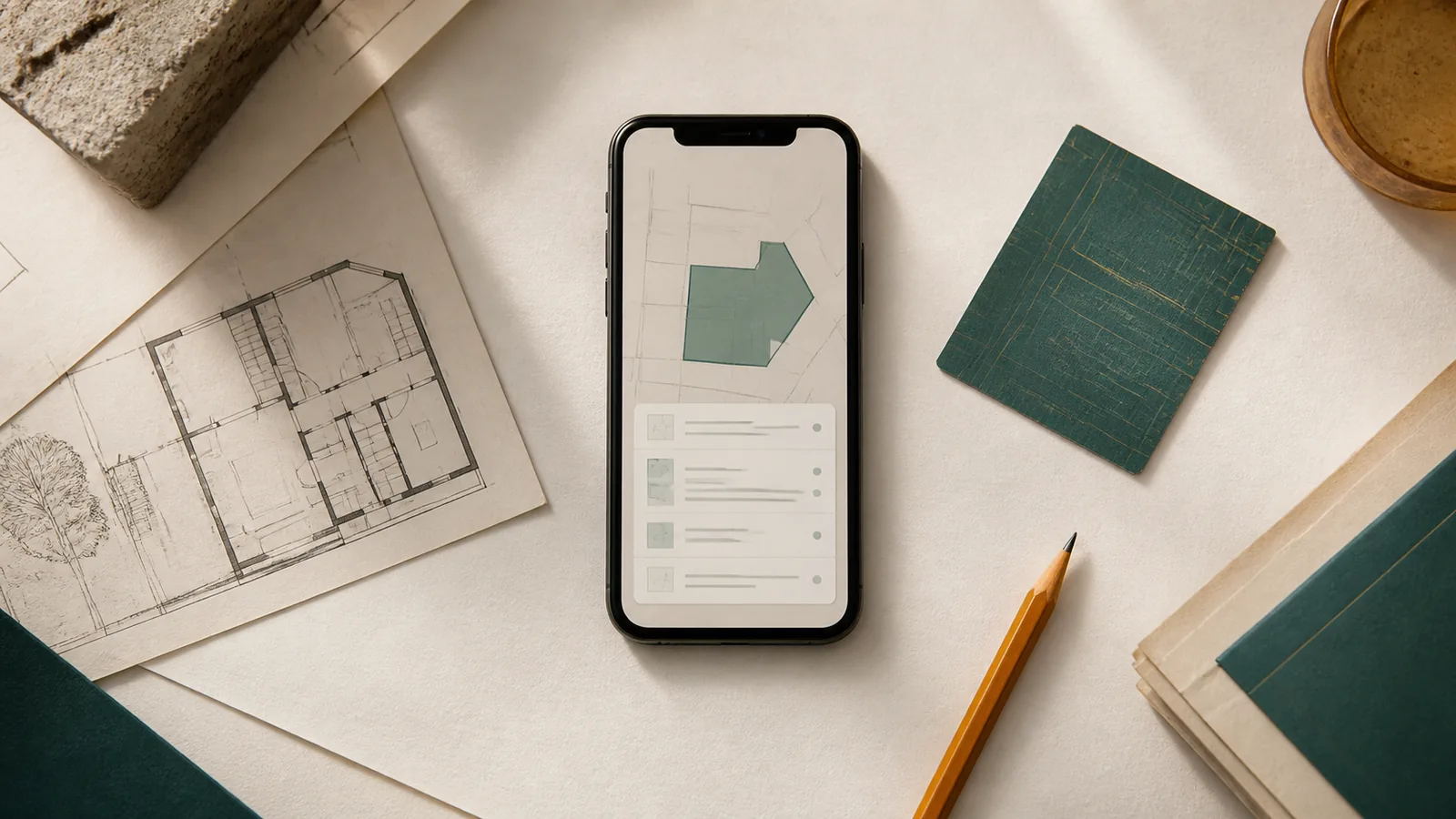
Information about a privately owned or rented property can quickly become scattered across folders, photos, notes, spreadsheets, email and different apps. The everyday questions are concrete: Where is the current insurance policy? When was the water meter last read? Which repair is still open?
An individual file may be useful but can lose its context. A photo might show a meter without a date, or a telephone number might be stored without its connection to the relevant property. Propivio brings this information together for personal day-to-day organization, directly on a smartphone and without a user account.
When this article was first published on 4 August 2026, the release was still being prepared. The feature description below intentionally retains that historical product context.
At a glance
- Propivio organizes property information on a smartphone for private owners and small-scale landlords.
- Data stays local, without a user account or shared app cloud, so an external backup matters.
- The app does not replace professional property management, booking, payment or accounting systems.
A property record that preserves context
The starting point in Propivio is always the property. It can contain core data such as the address, use, year of construction, floor areas, purchase details, energy information and personal notes. At first, this may sound like a digital index card. The actual benefit, however, comes from connecting the information used repeatedly in everyday life: rooms, meters, documents, tasks, contracts, contacts, occupancy records, costs and installations.
Suppose the heating needs servicing in a rented apartment. Instead of searching separately for the telephone number, contract, latest invoice and appointment note, this information can remain within the context of the same property. Propivio does not perform the maintenance automatically or monitor a service provider. It helps people organize their own documents and next steps in an understandable way.
This makes the app different from a loose collection of individual files as well as from a large administrative system. It does not represent a complete real estate business. It gives personal information a shared, understandable structure.
Model properties, units and rooms as they exist
Not every property is the same. A detached house needs a different structure from a house with two apartments or a small holiday property. Propivio therefore supports several levels. A property can optionally be divided into units, such as apartments or commercial units. Specific areas can be recorded below a unit or directly under the property, including a kitchen, bathroom, cellar, garden, roof or facade.
This spatial structure is more than a list. A meter can be assigned to an area, a repair to a bathroom, a manual to the corresponding installation and a task to a particular unit. Anyone later searching for a device’s serial number, a photo documenting damage or the material used for a wall can immediately see the spatial context.
Custom fields are available for individual information. A holiday apartment may need details about key handover and equipment, while an older house may need details about renovation phases. Reusable templates can standardize entries when similar properties or inspection procedures are recorded. Custom fields and templates are part of the extended Plus tier; bundled standard templates may also be available without Plus. The important factor is not a large number of fields, but the ability to adapt personal organization to the actual property.
Store documents and photos where they are needed
A property often includes purchase documents, insurance documents, energy certificates, invoices, contracts, handover logs and photos. Propivio can transfer supported files and images to the app’s private storage and connect them to the appropriate records. A document receives not only a file name but also, where needed, information such as type, issuer, reference number, date, validity and notes.
An insurance document can therefore be linked directly to the property, an invoice to a repair, and a manual to the corresponding installation. Photos can be taken or selected, labelled and assigned. The app does not thereby become an audit-proof archive or replace statutory record-keeping requirements. It provides practical access to personal working copies and their context.
This context is especially important for images. A photo of a crack in the wall alone says little. When linked to the property, room, repair case and date, it becomes meaningful documentation. When sharing or exporting, the user consciously decides which content leaves the protected area of the app and which other app receives it.
Record meter readings with a value, date and photo
Meter readings are a typical example of information that often ends up only as a photo in the media library. Propivio can record meters for electricity, water, gas, heating and other types. In addition to the meter number, unit, provider and spatial assignment, a history of individual readings can be kept.
Each reading contains a value and date, with an optional note or photo. This preserves its context, such as a routine check, move-in, move-out or handover. An incorrect value can be corrected without recreating the entire meter record.
Propivio does not prepare service-charge statements or promise automatic consumption analysis. The feature has a narrower purpose: to keep readings reliably recorded in the correct property context. During a handover, this can make the decisive difference between “the photo should be somewhere” and evidence that is dated and easy to find.
Keep an eye on tasks, repairs and recurring appointments
A property does not create an abstract to-do list, but rather concrete work: check smoke detectors, change filters, arrange a tradesperson appointment, review an insurance policy or repair a damaged fitting. In Propivio, tasks with a title, description, due date, priority and status can be created and assigned to a property, unit, area or installation.
Recurring tasks support regular intervals. Local notifications can provide reminders about a due date if the system permission has been granted. They are a convenience feature of the smartphone and do not guarantee that deadlines will be monitored. Users remain responsible for safeguarding critical deadlines.
For more substantial work, repair cases are available. They can keep the description, priority, status, scheduled date, costs, responsibility and attachments together. There is no team assignment or joint processing by multiple accounts. The app helps a single person distinguish more clearly between open, planned and completed work.
Give contacts a role, not just a name
An address book can hold a telephone number, but it rarely explains why that person matters to a particular property. Propivio adds this context: a contact can be an owner, tenant, guest, supplier or service provider and can be linked to properties, contracts, meters, costs or occupancy records.
This is particularly helpful if several people or companies are involved in one process. In the event of a repair, the responsible company and the relevant property can remain linked. In a rental relationship, contact details and roles can be linked to the occupancy. A cleaning service for a holiday apartment is not isolated in a general list, but placed in the appropriate usage context.
This contact management remains deliberately lightweight. It does not replace customer relationship management or a team directory. Propivio does not send campaigns, monitor communication or manage access rights for different employees.
Record long-term and short-term occupancy
Private owners use properties differently. An apartment can be rented in the long term, while another property may occasionally accommodate guests. Propivio can record both cases as occupancy. The property and, optionally, a unit, period, status, number of people and associated contacts can be assigned to each record.
For a long-term rental, monthly rent, tenants and the related contract can be recorded. For a short-term stay, planned and actual check-in and check-out, guests, price, booking source and reference are available. Deposit and payment status can be recorded for reference. Linked documents, meter readings, inspections, repairs and costs can make a move-in or move-out more comprehensible.
However, an occupancy record does not turn the app into a booking platform. Propivio does not accept reservations, synchronize calendars with booking portals or process online payments. Names such as Airbnb or Booking.com can be stored only as a local source.
Bring contracts, insurance and service partners together
Insurance, supply contracts and service provider information are often important when there is little time to search. Contracts can be recorded in Propivio with a type, number, term, notice period, partner, currency, notes and related documents. An energy supplier, insurer or contractor can be stored as a partner and connected with the relevant records.
Extended partner profiles can include customer numbers, contract accounts and other identifiers. In the Plus tier, payment accounts with account holders, bank, IBAN, BIC and references can also be stored optionally. Protected values appear masked by default and may require device authentication. Access data such as PIN, TAN, banking passwords or card verification numbers are expressly not included in the app.
This information is used for lookup and assignment. Propivio does not trigger payments, access a bank account or automatically monitor account activity or contractual deadlines. This separation is important: an understandable information context must not be confused with financial or contract automation.
Local data is a deliberate trade-off
Propivio stores its domain data and private attachments locally in the protected app area of the smartphone. A Zappapps user account is not required. There is no app cloud, no automatic synchronization between devices and no joint processing by multiple people.
For the product, this reduces the need for accounts, server dependencies and difficult-to-explain data paths. However, the trade-off is clear: anyone who loses their device, deletes the app or changes to a new smartphone cannot simply sign in elsewhere and download everything again. Local storage is therefore not “more secure”; it shifts responsibility.
Backups and recovery are therefore an essential part of the product. A standard backup can package the database and supported attachments into a file that must then be stored outside the app. Plus also offers a password-protected backup. Without the password, Zappapps cannot open or restore this file. Before changing devices or uninstalling the app, users should make sure that a current external backup exists.
Who Propivio suits—and when another system is a better fit
Propivio is aimed at individual private owners and small-scale landlords who organize a small number of their own properties. People who mainly work on a smartphone, want to place information in an understandable context and do not need shared cloud-based work fit the intended use case.
Professional property management has different requirements: multiple employees, differentiated roles and approvals, central synchronization, accounting, portal integrations, automated communication or the management of large portfolios. A landlord who wants to synchronize booking portals in real time or automatically assign bank transactions also needs a different system. These limits are not unfinished edges of the product; they are part of its deliberate focus.
Propivio Free is intended for up to two active properties and includes the basic areas as well as standard backup and recovery. Plus is aimed at a larger personal portfolio and extends the app with, among other features, unlimited active properties, custom fields and templates, reports, property packages, encrypted backups, extended partner data and a calendar view for occupancy records. The specific price is loaded from the relevant store and is therefore not stated here.
Order without another layer of administration
Propivio is not intended to cover every conceivable task in the property industry. The app has a focused goal: to help private owners organize their most important property information, documents, photos, contacts, meter readings and tasks directly on their smartphone. Its value does not come from offering as many modules as possible, but from keeping related information together and easy to find.
If you would like to explore this approach in more detail, visit the Propivio product page and user help. For specific questions, see support, the privacy information and the terms of use.