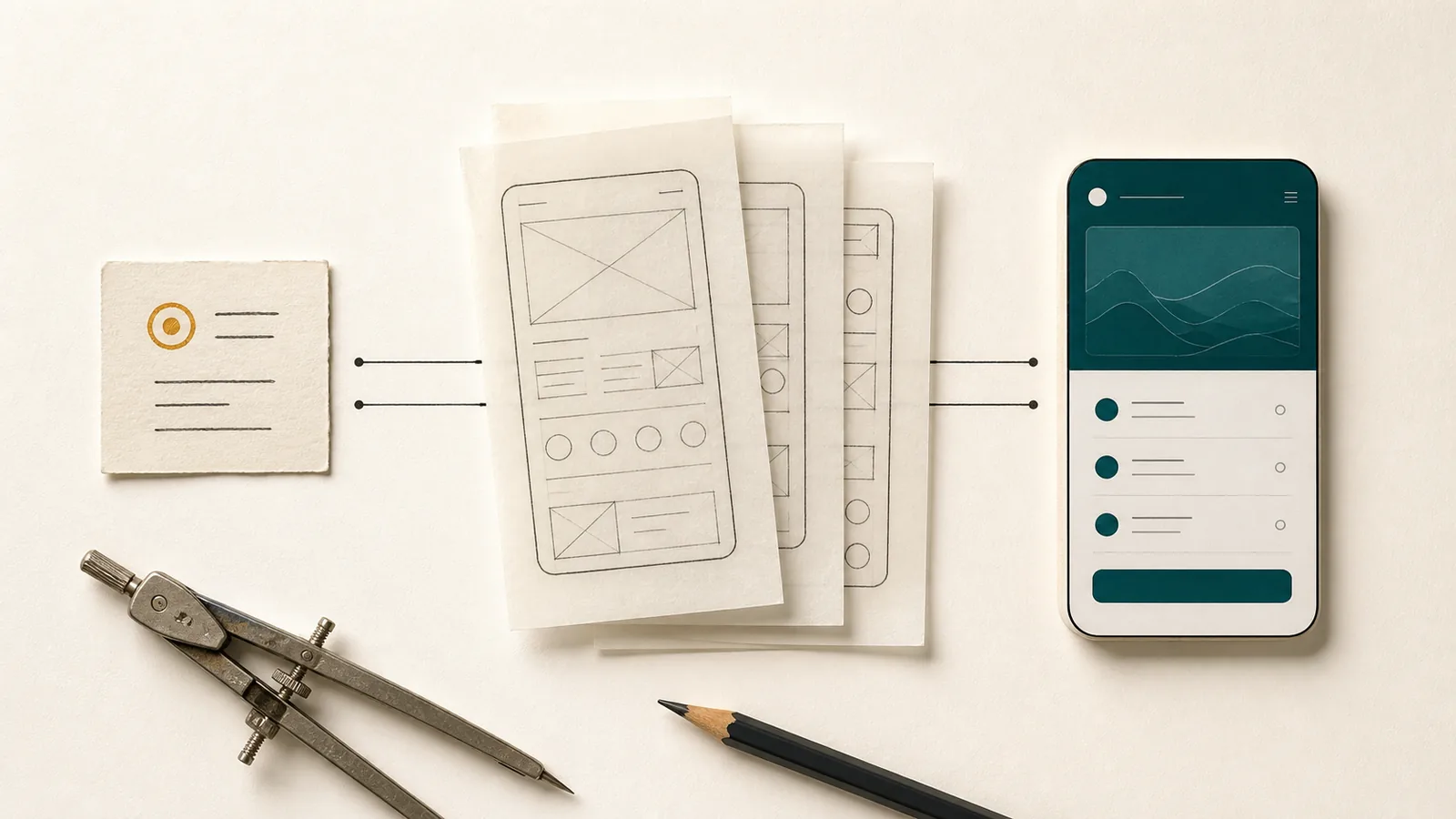
Choosing whether an app stores data locally or in the cloud may sound like a technical principle, but it begins with how the product will be used. A personal checklist on one smartphone has different requirements from a plan that several people edit at the same time. Either architecture can be dependable, and either can become unnecessarily complex when it does not fit the scenario.
“Local is private” is as incomplete as “cloud is modern.” Local data can disappear with the device. Cloud services can support collaboration and recovery, but they require accounts, infrastructure and understandable data flows. The right distribution follows the use case, not the label.
At a glance
- Local or cloud is a product decision, not a ranking of quality.
- Local data supports offline use but requires a dependable backup route.
- Cloud services enable shared state but add accounts, synchronization and ongoing operations.
What “local” and “cloud” actually mean
For a local app, the primary data copy is stored on the device. In many cases, the app can complete its core workflow without a network or server. Operating-system services may still be involved in distribution, device backup or sharing an exported file. “Local” means that the provider does not operate a central app database for this user data; it does not mean that the wider device ecosystem disappears.
Under the NIST definition, cloud computing describes on-demand network access to a shared pool of configurable resources. For an app, that pool can include databases, file storage, identity services and computing power. The central copy is then typically located in remote infrastructure; devices load data, send changes and reconcile state.
Many products use a hybrid approach. They store data on the device to keep the interface fast and available offline, then synchronize with a server in the background. Android Developers describes this as an “offline-first” architecture, in which a local data source is the primary source for reads and network access updates that copy. The cloud does not disappear; it is supplemented by a local layer and synchronization rules.
Local storage reduces dependencies
If an app does not have an account or server, its core path often becomes easier. There is no login, no forgotten password and no interruption of a synchronization service. Personal data does not need to be transferred to the provider for normal use. This can fit the expected trust model for a single person very well.
Offline availability is immediate. Information remains accessible in the basement, in a building with poor reception or when travelling. Changes can be saved without first querying a remote state. The app’s responsiveness does not depend on a service’s latency.
Operations can also be more manageable. Without a central user database, certain server costs, account processes and ongoing synchronization problems fall away. However, less infrastructure does not mean no infrastructure or responsibility: publishing, store connections, the website, support and product maintenance remain. Local storage, migrations, file handling and recovery must still be implemented carefully.
The greatest local strength is also its limitation
Using one device as the primary store creates clarity – but also a single failure point. If the smartphone is lost, it gets damaged or the app is deleted without proper backup, the only data copy can disappear. If you want to continue working on a new device, you need a planned export and recovery route.
Backups are therefore not an optional secondary feature of local products. They must be easy to create, stored outside the app and reliably restorable later. A file kept only in the private app area does not protect against uninstallation or device loss. Encryption can protect sensitive exports, but increases the responsibility: a lost password may be impossible to recover without a central recovery service.
Operating system backups also deserve a differentiated view. Apple explains that certain app directories can be included in device or iCloud backups depending on the type of files. The product must consciously decide which data is permanently important, recoverable or only temporary. However, it should remain clear to users whether the app itself offers a portable backup and what they can rely on when changing devices.
Cloud systems enable collaboration and continuity
As soon as several people need the same current state, central infrastructure offers a major advantage. A team can share tasks, assign roles and merge changes from different devices. A new computer does not need to receive a manually transferred file. After login, the shared state can be reloaded.
Cloud services are also suitable for central automation. A server can run background processes, distribute shared notifications, integrate data with other systems and apply rules regardless of whether a particular smartphone is active. This is often essential for booking portals, team management or company-wide analytics.
Backup and recovery can also be easier for the individual user. Redundant server copies, version history and managed backups reduce the risk of a single device containing everything. However, this is a capability of the specific service, not an automatic property of anything called a cloud. Storage, recovery tests, deletion rules and emergency processes must actually be in place.
Synchronization is a product problem in its own right
An app with a local copy and cloud synchronization ideally offers fast offline use and cross-device continuity. This raises a difficult question: What happens when two devices modify the same record independently?
Some conflicts can be resolved using timestamps. For others, simply letting the latest version win would overwrite valuable information. Lists can merge elements, while long texts may need visible conflict resolution. Files need upload status, retries after interruption and rules for deletion. The product must also show whether a state is stored only locally, already synchronized or affected by an error.
Android’s offline-first guide describes, among other things, local and network data sources, synchronisation queues and strategies for reading and writing. This requires an extensive range of tests: flight mode, unstable connections, process interruptions, duplicate sends, older app versions and simultaneous changes.
Synchronization should therefore not be planned as a single switch. It is a permanent component of the domain logic and interface. If it is not necessary for the actual benefit, omitting it can make a product significantly more robust. If collaboration is central, however, leaving it out would not demonstrate focus but impose a mistaken limitation.
Data protection depends on the full data journey
Local storage can avoid data transfers and central data stores. It is therefore an effective form of data minimisation if the task can be performed without a server. Nevertheless, protection of the device, app sandbox, local encryption, permissions, logs, exports and backups remains relevant. An unprotected export archive in a shared location can quickly negate the advantage of private app storage.
For cloud products, additional parties and questions enter the picture: What data leaves the device? In which region is it processed? Who operates the infrastructure and support? How is access secured, logged and revoked? How long do backups remain after deletion? What data is required for analytics, notifications or model-assisted services?
Cloud does not automatically mean broad sharing. A well-designed platform can minimize data, use encryption, strictly separate access and offer transparent deletion processes. Likewise, local storage does not automatically mean that no one except the user can see the data; the operating system, device backups, shared files or compromised devices change the picture. Data protection comes from concrete architecture and operational practice.
Scaling affects more than user numbers
Cloud architectures are often designed for scalability. A central service can accommodate additional users, devices or data volumes, provided that its database, storage and operations are designed accordingly. This creates running costs, monitoring, capacity planning and security responsibilities. Low use may cost little; heavy use or large files can change the business model.
Local apps distribute storage and computing across devices. The provider does not pay for cloud storage for every personal file. In return, devices differ in performance and available storage. Large image sets, elaborate local models or long migrations can burden older smartphones. Support must deal with states that cannot be viewed or repaired centrally.
Scaling can also be domain-specific. A product for ten properties may need only better filters and a larger local database. A product for ten professionals needs roles, conflict rules and traceability. The number of records alone does not determine when a cloud architecture is required.
Propivio as a conscious local example
Propivio is designed for a single person who manages information about a few of their own properties on a smartphone. There is no user account, no shared editing and no automatic app cloud service. Documents, photos, contacts, meter readings and other domain data are stored locally in the app’s private area.
For this scenario, the approach reduces unnecessary account and synchronization complexity. The consequence is not hidden: an external backup and recovery process is important, and multiple devices do not share an automatically synchronized state. Anyone who wants to work with a team, manage large portfolios centrally or integrate with portals falls outside this product model by design.
Another Zappapps product could reach a different decision. As soon as a product depends on collaboration, centralized automation or shared access, a cloud architecture would be plausible despite its greater complexity. Brand consistency does not require building every app with the same technical architecture. It requires explaining each decision clearly.
Use a decision matrix, not an article of faith
Before choosing architecture, concrete questions help:
- Does one person work alone or do several roles have to see the same current state?
- Does the core process have to work completely without a network?
- How serious would the loss of the device be?
- Who is responsible for backup and recovery?
- Is cross-device access a central benefit or an occasional convenience?
- What data is sensitive, and which transmissions are really necessary?
- Does the product need background processes or integrations if no device is active?
- Which operating, support and infrastructure costs are sustainable?
- How are exports, deletion, migration and a possible change of provider handled?
The answers can lead to a local, cloud or hybrid offline-first solution. They can change with the product. However, a later change is costly because data identity, conflict handling and trust are affected. The initial decision should therefore not be based solely on a preferred technology.
The right architecture makes its consequences clear
People do not need to understand distributed systems, but they should know what the architecture means in daily use: Does the app work without a network? Is the data available on other devices? How is a backup created? Which content leaves the phone?
Local and cloud are not levels of quality. They distribute capabilities, risks and responsibility differently. The better choice fits the actual purpose and makes its consequences clear in both the technology and the product language.
Sources and further reading
- NIST: Definition of Cloud Computing – the official terminology for cloud computing.
- Android Developers: Build an offline-first app – local data sources, synchronization, and read and write strategies.
- Android Developers: Guide to app architecture – data models, a single source of truth and clear responsibility boundaries.
- Apple Developer: Using the file system effectively – app directories, persistent data and backup behavior.
- Apple Developer: Optimizing your app’s data for iCloud backup – deliberate classification of persistent and recoverable files.