Many app ideas begin with a proposed solution: “we need a platform” or “this should be automated.” Such statements may point in a useful direction, but they do not yet define a product. Between an interesting idea and a maintainable app lie decisions about people, situations, data, boundaries and ongoing operation.
The most important work therefore starts before the first screen. What problem actually occurs, how is it handled today and what observable result would show that a digital tool improved it? A sustainable app combines a clear purpose, a coherent data model and a scope the team can still support after the first release.
At a glance
- Define a specific problem, audience and the smallest complete workflow.
- Address the data model, privacy, testing and operations from the start.
- Release in stages only when each version already delivers a complete useful outcome.
Describe the problem in an observable situation
“Property management is confusing” is too broad. The statement does not reveal who is affected or what kind of confusion matters. “Private owners cannot reliably find the most recently recorded meter reading and its photo while away from home” is more specific. It identifies the person, situation, information and desired result.
Good problem definitions initially remain independent of the solution. Perhaps better use of existing storage, a modified process or a small web interface is enough. Anyone who immediately requires a specific technique often overlooks simpler approaches. The goal of the early analysis is not to justify an app, but to understand whether and where it would be useful.
What steps do people take today? Which tools do they use? Where do they switch between paper, spreadsheets, messages and photos? What are the exceptions? It is important not to ask only about desired features. People describe solutions based on their previous experience. Observed difficulties reveal more clearly what the product needs to do.
A defined audience means not building for everyone
A product for “private individuals and companies of all sizes” probably does not yet have a clear target group. Different groups have different terms, risks and workflows. A single person does not need role management. A team cannot work reliably without roles and shared data.
A helpful target group description therefore includes usage context, experience, frequency and limits. Does someone work alone or with others? On a smartphone or at several workstations? Will the app be opened daily or only when a particular event occurs? Does it have to work without a network? Which mistakes would be merely annoying, and which would have serious consequences?
These questions later affect almost everything: navigation, data storage, the security model, help text and the business model. Defining the audience is not merely a marketing persona exercise. It is part of the technical specification.
Find the smallest complete workflow
An early product should be small, but not incomplete. To document a meter reading, for example, a person needs to select the property, enter the date and value, optionally add a photo, save the reading, find it later and correct it. Building only a form without history or error correction would take less effort, but would not deliver a complete benefit.
The smallest complete sequence contains the beginning, middle and end as well as the most important deviations. What happens if camera permission is missing? Can the reading be saved without a photo? What does an empty state look like? What happens when a number is invalid or someone cancels? Will the input be retained after an interruption?
Only when this core path is clear can features be meaningfully separated into necessary and optional. A feature is necessary if it makes the result possible at all or protects against an unacceptable error. Optional features add convenience, variants or support for later target groups. This separation should be checked regularly, because a seemingly small option can generate new data and states.
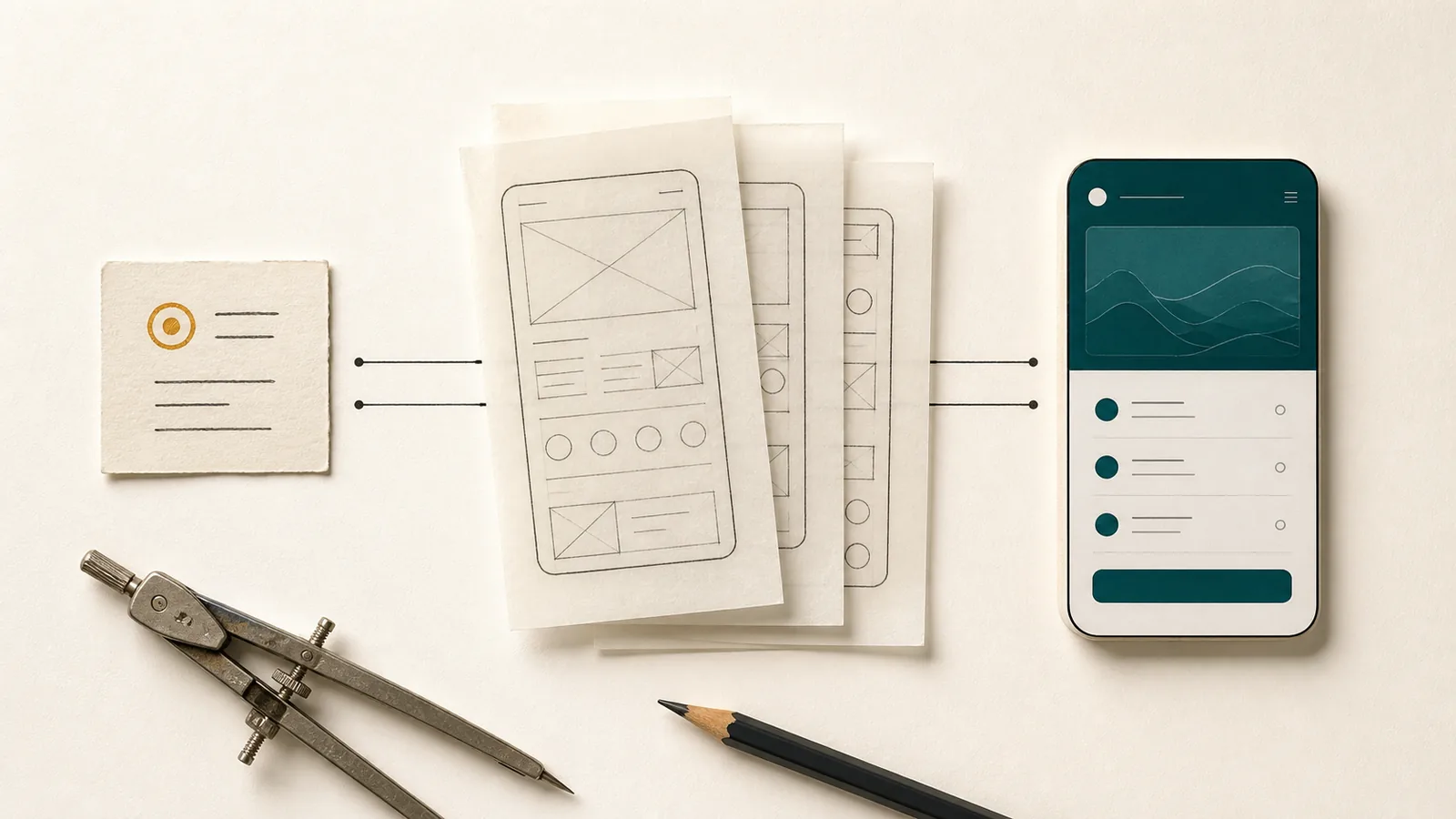
Use prototypes to make decisions visible
A prototype is particularly valuable when it reveals questions. Do people understand the terms used? Do they find the next step? Are they missing information before they can decide? Does the workflow fit the situation in which the smartphone is actually used?
The prototype does not have to be visually perfect. A simple clickable design with realistic content often shows more than a polished presentation full of placeholders. Real names, longer texts, missing images and multiple records make it visible whether the layout and information architecture hold up.
Prototypes should also contain critical states: no data, loading states, save errors, denied permission, offline use, very large text and irreversible actions. Anyone who demonstrates only the ideal sequence tests a story instead of a product.
In its Human Interface Guidelines, Apple emphasizes hierarchy, consistency and adaptation to different displays. These principles cannot be added as decoration at the end. They already influence the structure of the prototype: What is content, what is action, what information remains in the foreground and which interaction is familiar on the respective platform?
The data model is a long-term product decision
Interfaces can change significantly. Stored data often remains important for years. It is therefore worth clarifying early which entities exist in the product and how they are related. Is a “room” always part of a unit? Can a document be assigned to several processes? What happens to tasks when an object is archived? Are monetary amounts and measurements stored precisely?
A consistent data model prevents the same information from becoming inconsistent in several places. Android Developers recommends, among other things, a clear source of data and clear responsibility boundaries for app architectures. These technical principles support a product-domain requirement: when information changes, it must be clear which representation is authoritative afterwards.
Migrations also belong to this decision. As soon as real data exists, a new version cannot rename or delete fields arbitrarily. The product requires rules for transferring older states to a new structure. A good first draft does not try to predict every future development. It does, however, separate stable domain terms from short-term interface logic.
Data protection begins with the question of which data is needed
Data protection becomes expensive if it is checked only after implementation. By then, permissions, external services and data models are already connected. Reviewing it early can simplify the scope.
Does the app need an account? Must a complete contact be imported, or does a manually recorded person suffice? Is location access needed permanently, only for a single action or not at all? Does a document have to leave the device? Every item of data that is not collected reduces the attack surface, error cases, security work and subsequent deletion processes.
Android recommends minimizing permission requests and, where possible, designing features without unnecessary access. If a permission is required, it should be requested in the context of the specific action. A rejected permission must not automatically make the entire app unusable if a sensible alternative is possible.
Data protection covers the entire life cycle: saving, displaying, sharing, exporting, backing up and deleting. Local storage requires a backup strategy. Cloud data requires account protection, access rules and an understandable deletion process. For third-party providers, it must be clear what information they receive and why.
Maintainability comes from clear boundaries and ownership
A maintainable code base has modules with clear responsibilities. The interface coordinates interactions, domain logic implements rules, and the data layer manages sources and persistence. When network access, presentation and business rules are mixed into the same components, changes and tests become more difficult.
Technical separation alone is not enough. The product also needs responsibility boundaries. Who decides on terms? Which part of the product is authoritative for a data set? What promises does the product make when an external service fails? Is there a manual way? What is expressly not supported?
Each dependency should have a recognizable purpose. A library can accelerate development, but requires updates and security monitoring. A cloud service can take on complex work, but creates costs and a failure point. An in-house system provides control, but demands permanent care. Maintainability means consciously choosing these obligations.
Documentation supports this clarity when it explains decisions. A long listing of every file ages quickly. More valuable are short descriptions of system boundaries, data flows, migration rules and reasons for non-obvious decisions. New team members or your future self need to understand why a part was built this way.
Tests follow risk and real user journeys
A high number of automated tests does not automatically prove product quality. The decisive factor is whether the relevant risks are covered. Unit tests are suitable for domain rules and calculations. Integration tests check the interaction of the database, services and migrations. End-to-end tests can verify core user journeys. Manual tests remain important for language, visual hierarchy, focus behavior and situations that are difficult to automate fully.
Tests should work with realistic data: long names, empty lists, older records, unusual decimal values, multiple attachments and interrupted connections. Different screen sizes and large text show whether a layout is really adaptive. Screen readers and keyboards make semantic weaknesses visible that a screenshot does not show.
W3C WAI recommends evaluating accessibility early and regularly and including people with disabilities appropriately. This is a sound general quality principle: do not check only the finished version against a checklist; incorporate feedback while decisions can still be changed.
Particularly risky actions need targeted checks. Deletion, restoration, purchase status, exports and permissions deserve more depth than a purely decorative setting. Prioritization according to impact and probability is more useful than requiring the same amount of testing everywhere.
Releasing in stages does not mean shipping unfinished work
A first version does not have to contain every long-term plan. However, its promised core paths should be complete, understandable and resilient. “Step by step” describes how the scope develops; it is not an excuse for missing error handling or unclear data responsibility.
Before release, the product needs verifiable criteria: supported devices and versions, tested core processes, understandable product boundaries, correct store and legal texts, reachable support, backup or deletion behavior, and a plan for critical errors. A controlled test group can show real use before a broad commitment is made.
After publication, feedback does not automatically become roadmap entries. Feedback provides evidence about real situations. Several requests for the same feature can show a pattern—or point to an existing process that no one can find. Product teams should understand the problem, frequency, target group and risk before choosing a solution.
A later version may add new capabilities. It should not obscure the core and respect existing data. Migration, backward compatibility and changed explanations are part of the function, not downstream clean-up work.
Keep the concrete outcome as the common thread
From the first observation to ongoing operation, one question keeps the work aligned: does this decision improve the concrete outcome for the intended audience? A polished prototype, modern architecture or long feature list has little value when it optimizes the wrong problem.
A maintainable app brings together a real problem, a bounded audience, complete core workflows, a coherent data model, understandable data paths and testable responsibilities. That foundation determines whether the product can continue to evolve coherently through later versions.
Sources and further reading
- Android Developers: Guide to app architecture – data models, a single source of truth, testability and responsibility boundaries.
- Android Developers: Data layer – responsibilities and boundaries of the data layer.
- Android Developers: Minimize permission requests – data minimization and contextual permissions.
- Apple Human Interface Guidelines – hierarchy, consistency, layout and platform-appropriate interactions.
- W3C WAI: Planning and Managing Web Accessibility – early and continuous inclusion of accessibility and evaluation.